Research
- Role and behavior
- Finds and checks the supporting material for a brief.
- Boundaries
- Stops at source gaps and keeps claims attached to Sources.
- Allowed Actions
- Selected Files, Research, and approved Connected apps.
Features
Start with a conversation. Neuron can use the Files and Connected apps you choose, show its progress, pause when it needs you, and return with a result you can keep using.
Ask in the form that feels natural. The request, the material you add, and the answer stay in one Conversation that you can return to later.
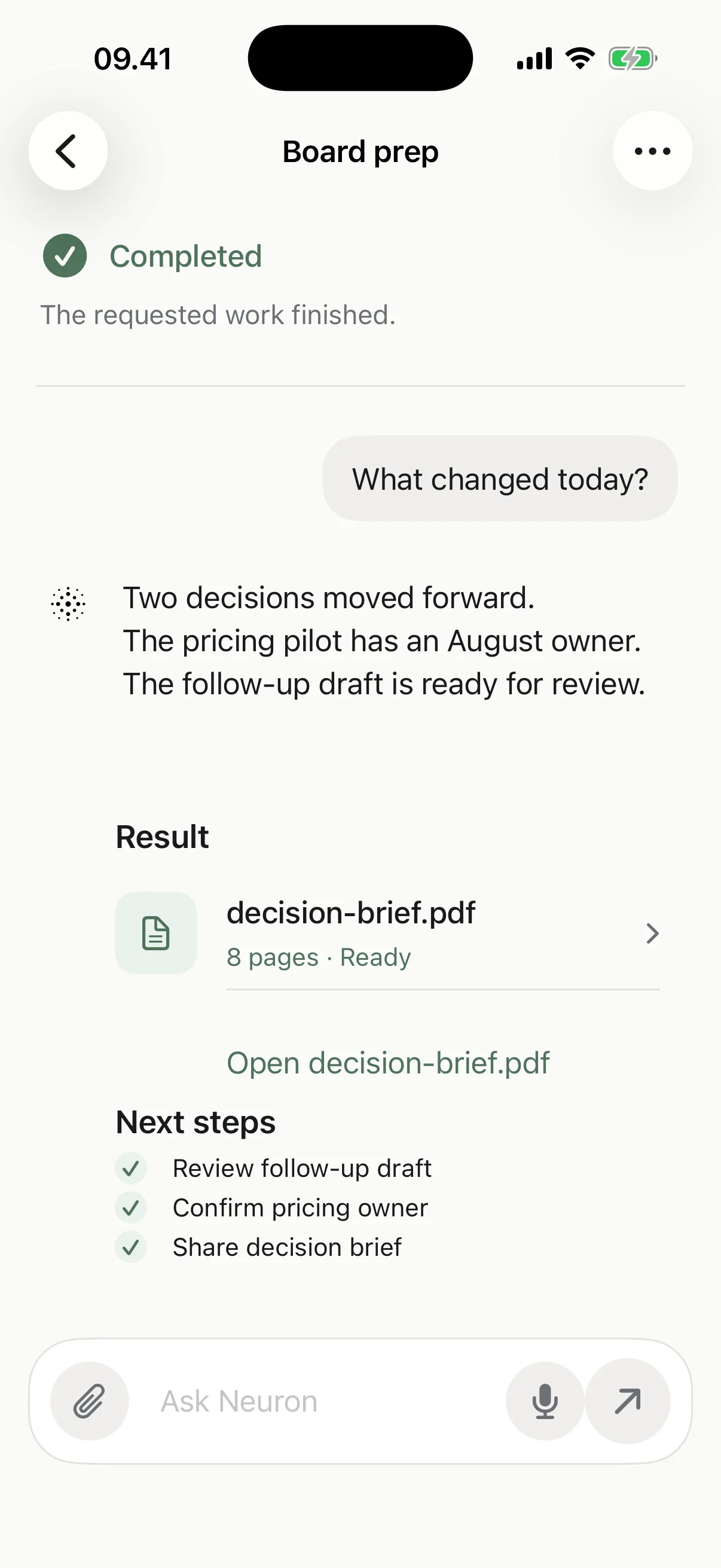
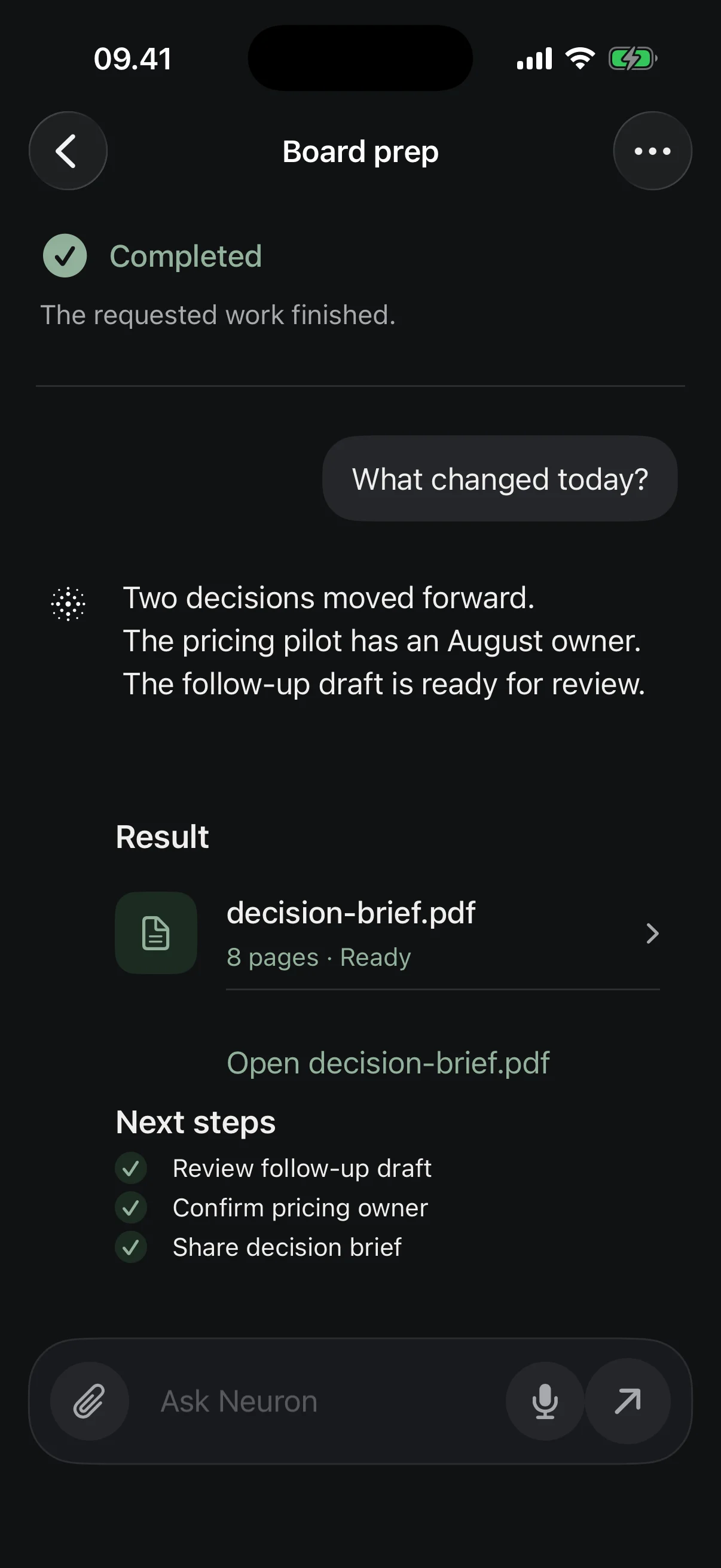
Start in Chat, attach the Files that matter, and keep the request beside the result.
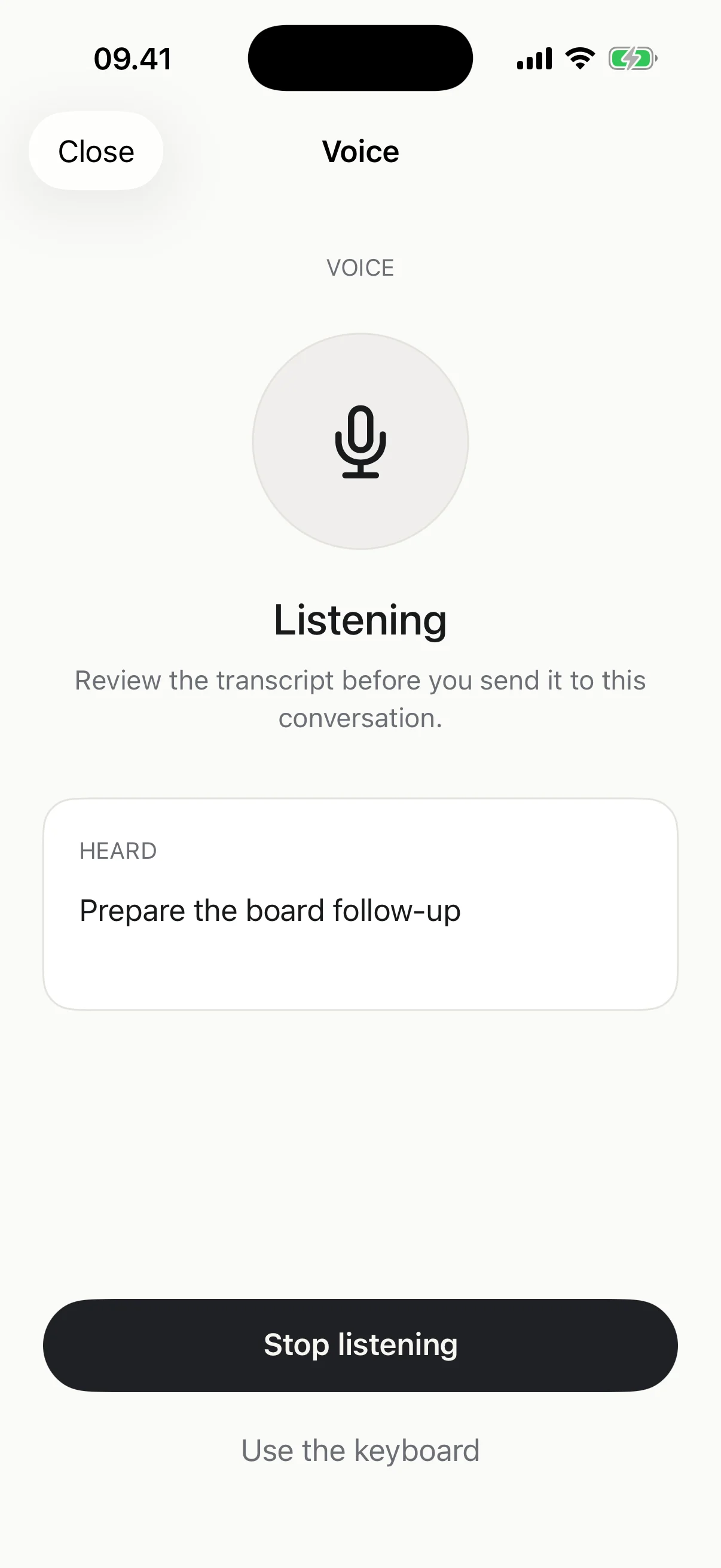
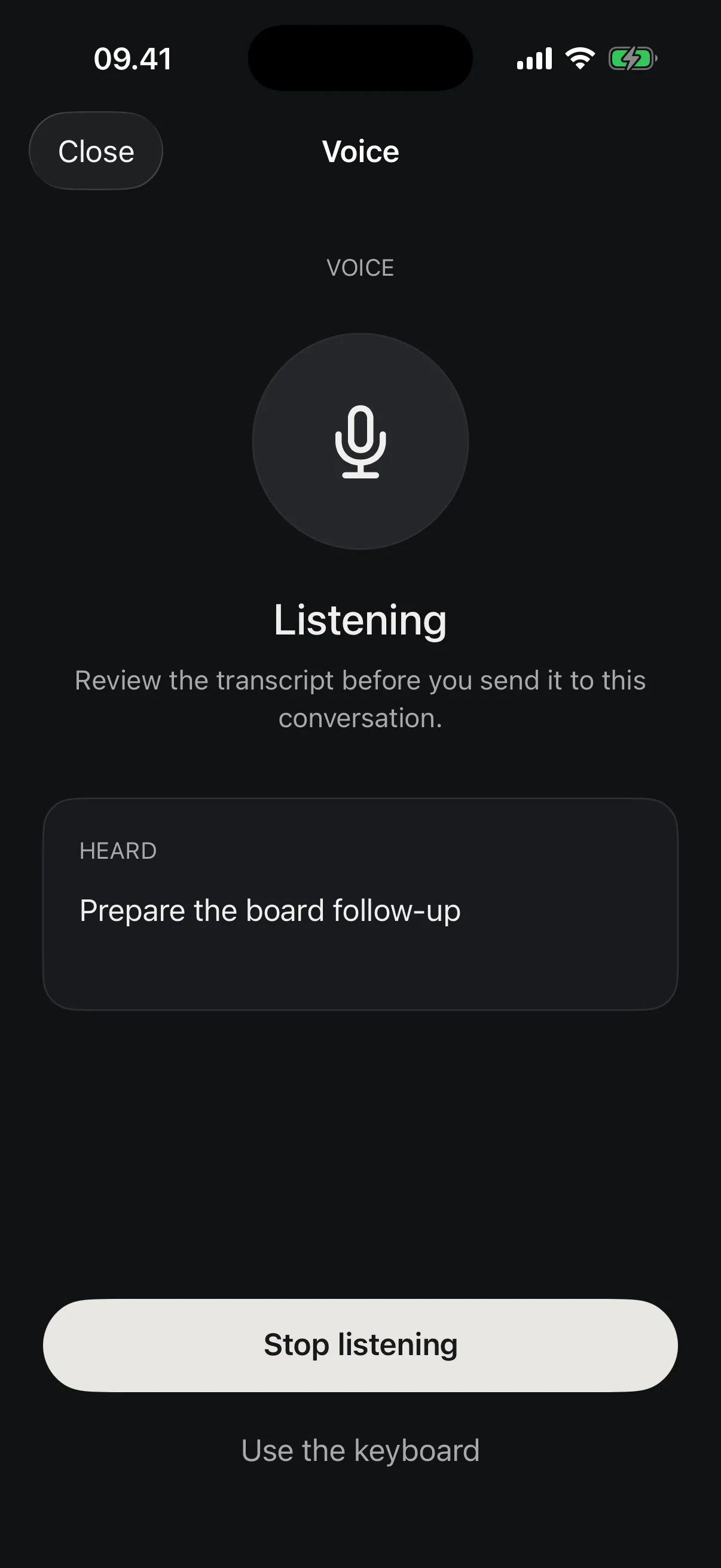
Speak naturally, review the transcript before it is sent, then continue in the same Conversation.
Reopen the Conversation with its decisions, Files, and useful context still together.
Set its responsibility, working style, boundaries, Memory, Skills, and Connected apps. Access chosen for one assistant is not shared with every assistant.
Connect the services where messages, meetings, files, and team knowledge already live. You choose what each assistant can use, and Neuron asks before anything is sent or changed.
Where it lives On Mac, find Connected apps in the workspace sidebar. On iPhone, open an assistant or Settings. Allowed Actions stay inside each app.
Mail, calendar, files, and office work
Outlook, Teams, OneDrive, and SharePoint
Channels, messages, and shared files
Pages, databases, and team knowledge
Files, folders, and shared links
Jira projects and Confluence spaces
Repositories, issues, and pull requests
Meetings, recordings, and transcripts
Customer records and account activity
Follow progress beside the Conversation, change direction, or Stop. When Neuron Needs you, the next decision stays visible.
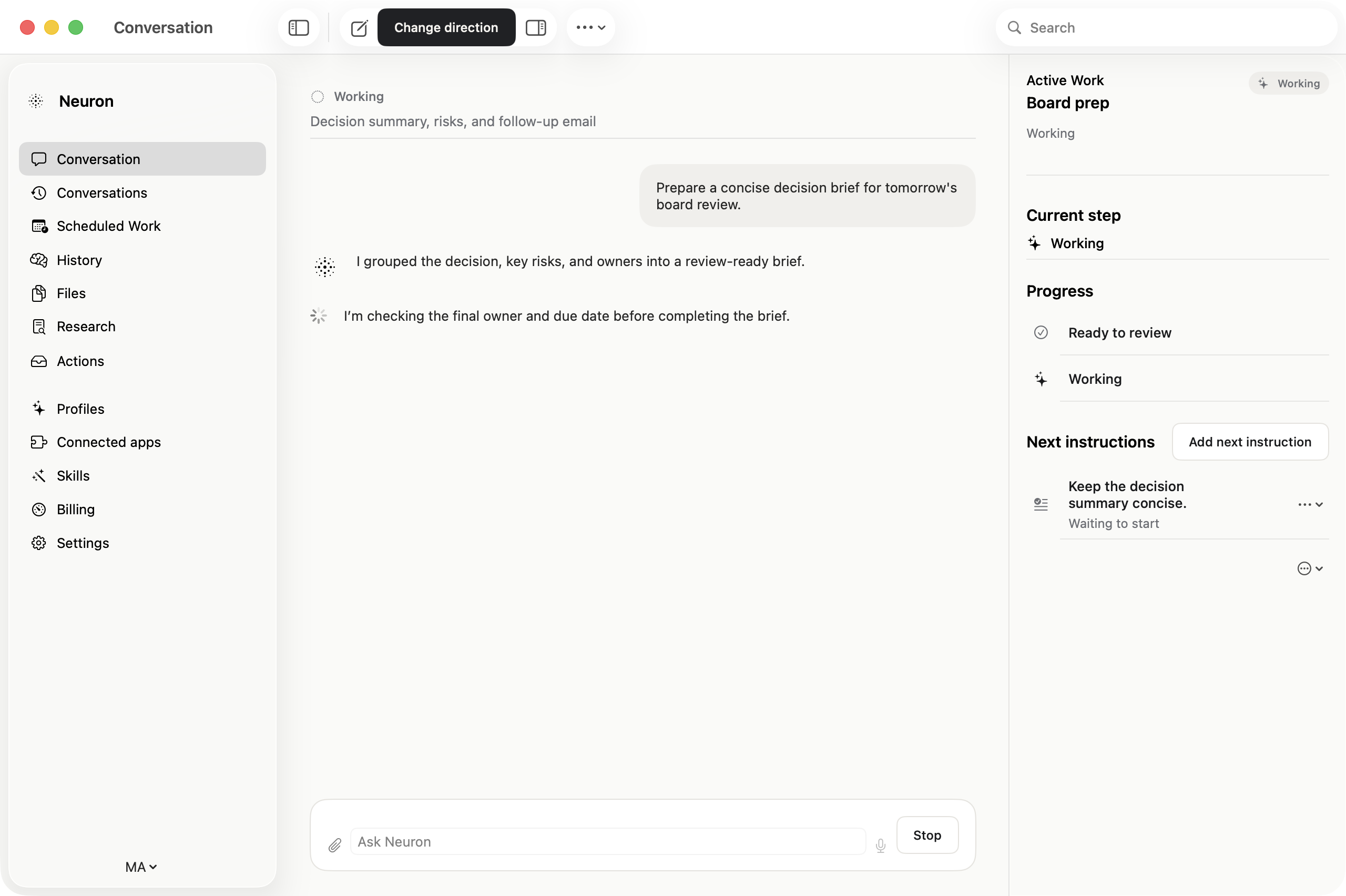
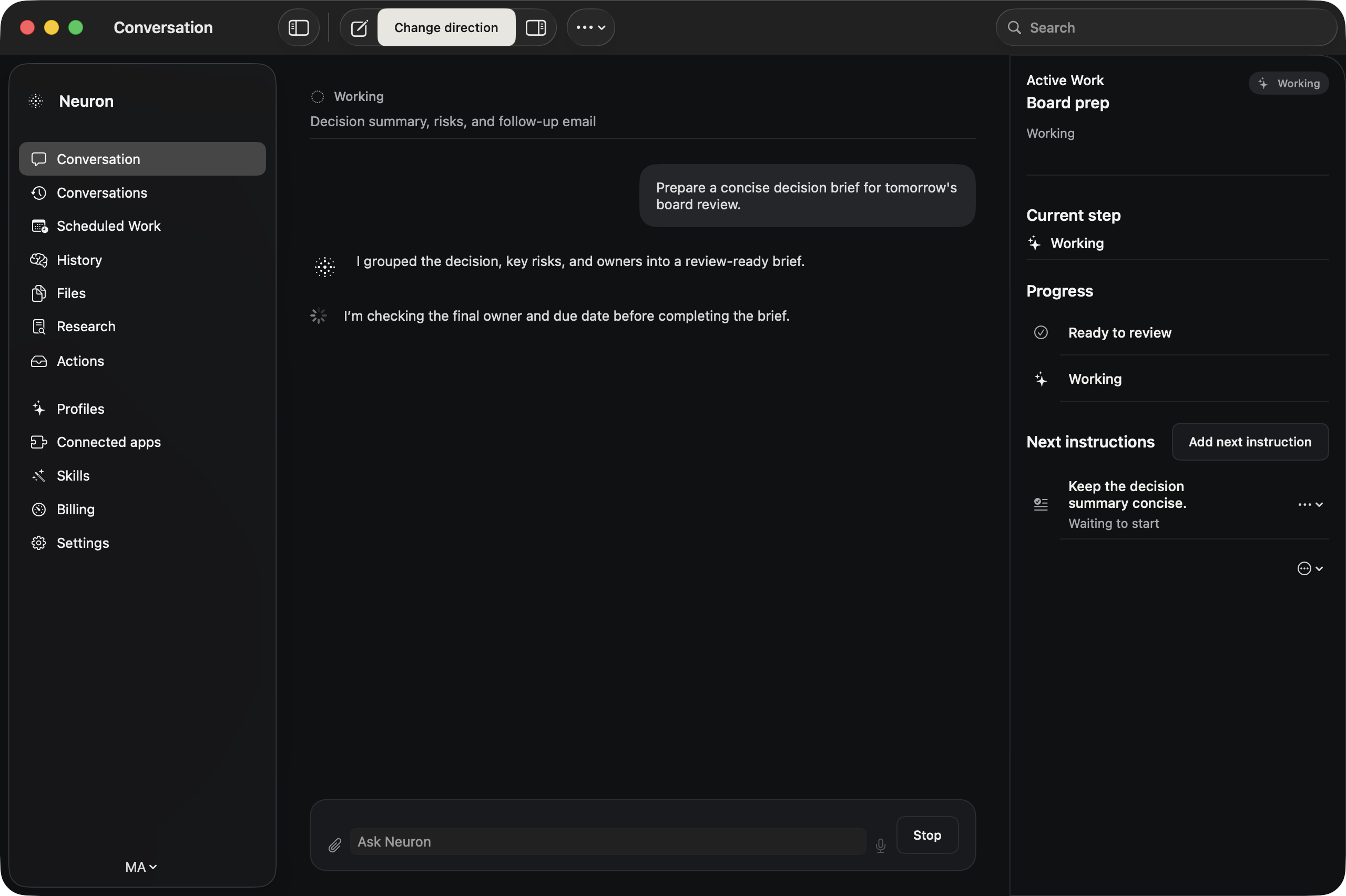
Keep a cited Research report, reuse it as a Source, or create a document, presentation, or spreadsheet you can open in its usual editor.
Select the Files, versions, and connected material that should shape the answer.
Confirm the questions and plan before deeper work begins.
Return to a reusable report with its supporting claims and Sources still attached.


Correct remembered details, review Scheduled Work before it runs, and return through Conversations, Files, or Needs you with the useful context intact.
Inspect, correct, or remove remembered details when your preferences or the work changes.
Review timing, Sources, delivery, and expected Sparks before recurring work is saved.
Come back to scheduled results, work that Needs you, and the Conversations that produced them.


Keep its Conversations, Files, Sources, decisions, and review points together from the beginning.
Request access


